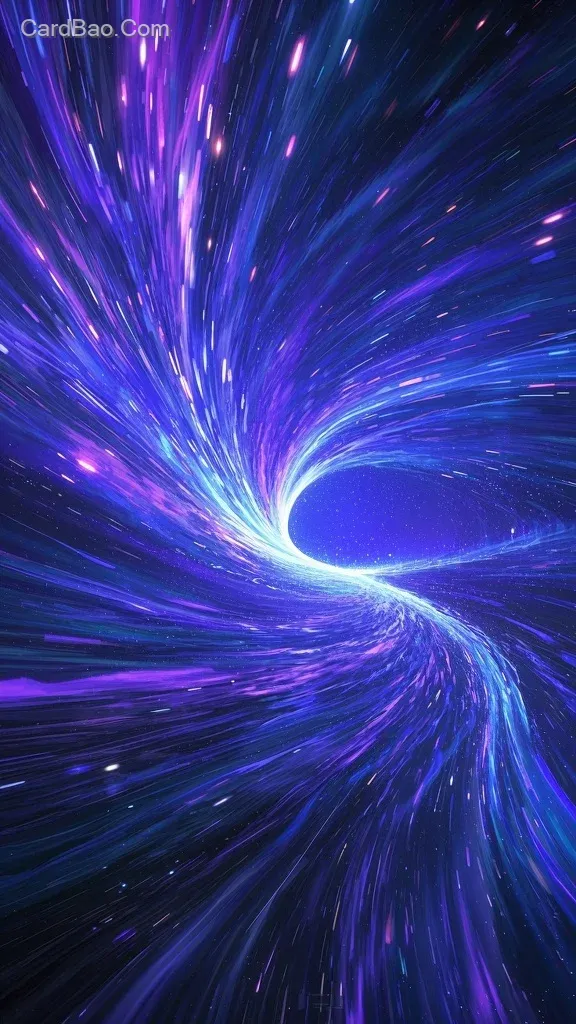
Starry River
星河
English Prompt:
1. Visual Concept:
- Opening: Use JiMeng AI to generate a scene of extraterrestrial stars flowing like gentle water. Set the starry sky colors to deep blue and purple, with soft lighting and a slow flow speed.
- Acceleration Transition: Increase the flow speed of the starry sky, adding motion blur effects to simulate a sense of speed, conveying the passage of time accelerating.
- Climactic Transition: The scene exhibits intense motion blur with more vibrant colors, as if breaking through the boundaries of time and space, creating a sensation of traversal.

2. JiMeng AI Operation: Open the JiMeng AI platform and select a suitable video template or create a new project. In the visual generation settings, precisely describe each stage of the scene, adjusting parameters to control the form, color, and flow speed of the starry sky. Utilize the keyframe function to set the dynamic transition from slow to fast.

3. Audio Addition: After completing the visuals, import the *Floating Light* audio track into JiMeng AI’s audio timeline. Adjust the audio to synchronize with the visual rhythm, ensuring the ethereal vocals blend seamlessly with the imagery.

4. Video Export: After verifying the visuals and audio, select the appropriate resolution and format for export, resulting in a video that evokes a sense of time travel and vast, ethereal wonder.
中文Prompt:
1. 画面构思:
- 开场:使用即梦AI生成域外星空像缓缓流水的画面,设置星空色彩以深蓝、紫为主,光线柔和,流速缓慢。
- 加速过渡:让星空流水速度加快,加入线条模糊效果,模拟速度感,体现时光开始加速穿梭。
- 穿越高潮:画面呈现强烈的动态模糊,色彩更绚烂,仿佛冲破时空界限,营造穿越感。
2. 即梦AI操作:打开即梦AI平台,选择合适的视频模板或创建新项目。在画面生成设置中,精准描述每个阶段画面,调整参数控制星空形态、色彩、流速。利用关键帧功能,设定画面从缓慢到快速的动态变化。
3. 添加音频:完成画面制作后,将《浮光》音频导入即梦AI音频轨道,调整音频与画面节奏契合,确保空灵的歌声与画面完美融合。
4. 导出视频:检查画面和音频无误后,选择合适分辨率和格式导出,得到具有时光穿梭、浩瀚空灵感觉的视频。
Resolution: 576×1024